
When it comes to creating high-converting Popups and Sticky Bars, Unbounce has long been a favorite for marketers and business owners. However, it’s not the only option out there — and it may not be the best fit for everyone. Whether you’re looking for a more affordable solution, different design flexibility, or built-in marketing tools, there are plenty of Unbounce Alternatives worth considering.
In this blog post, we’ll explore the top 10 best Unbounce alternatives to help you find the right platform for your needs in this competitive landscape.
What Is Unbounce, and Why Look for Alternatives?
Unbounce is a powerful landing page builder known for its advanced A/B testing, AI features, and conversion-focused templates — but it’s not perfect for everyone. Many businesses are exploring alternatives. Here are a few reasons why:
- Pricing: Unbounce can be expensive, especially for startups and small businesses.
- Learning Curve: Some users find the interface complex.
- Limited native integrations compared to some newer platforms.
Now, let’s dive into the top 10 Unbounce alternatives you should consider.
1. Kiyfi – Best Unbounce Alternative for Sticky Bars & Popups
Kiyfi has capabilities that will make it a favorite among marketers and entrepreneurs who want simplicity without sacrificing power. It combines beautiful, high-converting Sticky Bars and Popups with powerful analytics, A/B testing — all wrapped in an intuitive, powerful drag-and-drop editor. Kiyfi has its own built-in templates and editing tools that you can modify according to your preferences.
Kiyfi is a no‑code product‑tour tool designed to help SaaS, eCommerce, forums, and other platforms onboard users, announce new features, and improve feature adoption. Users can create interactive walkthroughs (“product tours”) that highlight elements of your dashboard or website, add hints, in‑app announcements, etc.
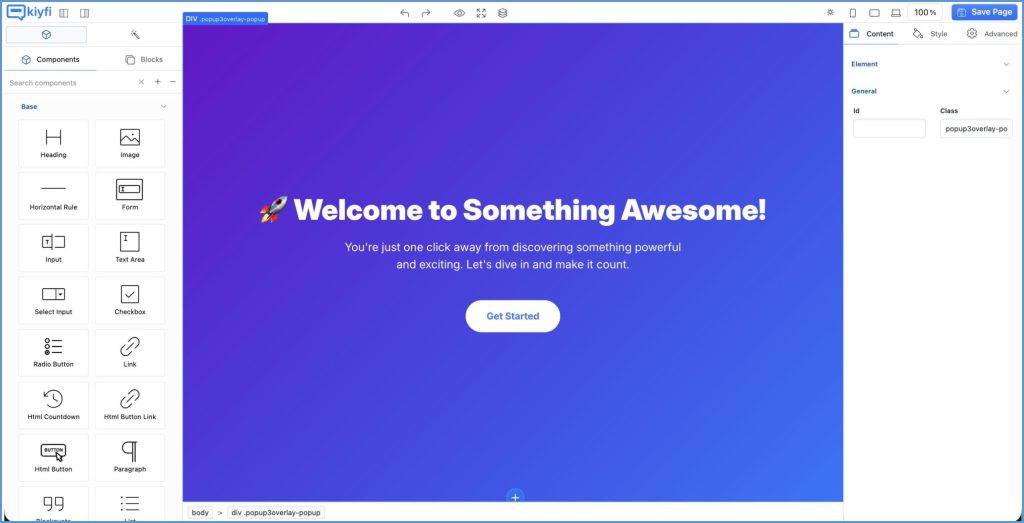
Image courtesy – Kiyfi.com
Key Features:
- Powerful drag-and-drop builder with zero coding
- Conversion-optimized and premium templates
- Built-in A/B testing with easy interface
- Track your performance with a user-friendly analytics tool
- Affordable pricing for small teams and startups
- Advanced targeting and trigger options
Why Choose Kiyfi Over Unbounce?
- More beginner-friendly interface
- Lower pricing with more generous features
- Strong focus on conversion insights and optimization
For sticky bars and popups, Kiyfi is a worthy Unbounce alternative.
2. Instapage
Instapage offers over 500 templates, a drag‑and‑drop editor, heatmaps, A/B testing, and team collaboration features. What sets it apart is its “Instablocks” system which lets you reuse sections across pages, saving time and keeping consistency. The trade‑off is price — it tends to be more expensive than simpler tools.
Image courtesy – Instapage
Pros:
- Very user-friendly
- Real-time collaboration tools
- Post-click optimization features
Cons:
- Expensive for small teams (starts at $299/month)
3. Leadpages
Leadpages is a favorite among small business owners and entrepreneurs. It’s affordable, easy to use, and offers a wide range of templates. It may not offer some advanced optimization or AI‑powered features that Unbounce has.
Image courtesy – Leadpages
Pros:
- Simple user interface
- Excellent template library
- Built-in lead capture forms and pop-ups
Cons:
- Less advanced A/B testing and analytics compared to Unbounce
4. ClickFunnels
ClickFunnels is more than just a landing page builder — it’s a complete sales funnel platform. It’s ideal if you’re looking to build complex funnels with upsells, email automation, and checkout flows. The downside is that with more features often comes complexity, and it can be a bit costly.

Image courtesy – ClickFunnels
Pros:
- Full funnel creation
- Built-in CRM and email marketing
- Ideal for eCommerce and info products
Cons:
- Steeper learning curve
- Can be overkill for simple landing pages
- The price tends to be higher.
5. Elementor
If you use WordPress, Elementor is a top-tier page builder with powerful design capabilities. It’s perfect for those who want full control without touching code. There are performance concerns due to heavy frontend scripts, complex layouts, animations. Pages built with Elementor may load slower if not optimized.
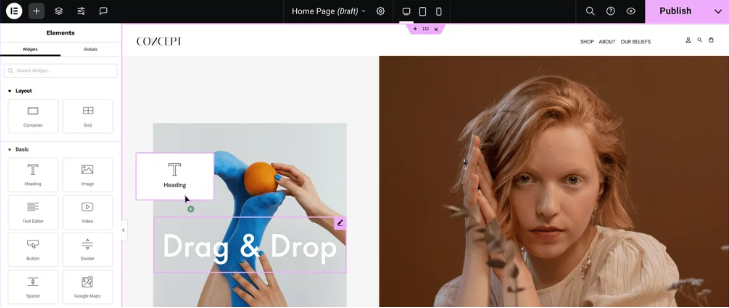
Image courtesy – Elementor
Pros:
- Highly customizable
- Free version available
- Extensive library of widgets and templates
Cons:
- Requires WordPress hosting
- May impact site speed if not optimized
6. Webflow
Webflow is a designer’s dream — combining visual design with the power of HTML, CSS, and JavaScript. It’s ideal for those who want pixel-perfect control.
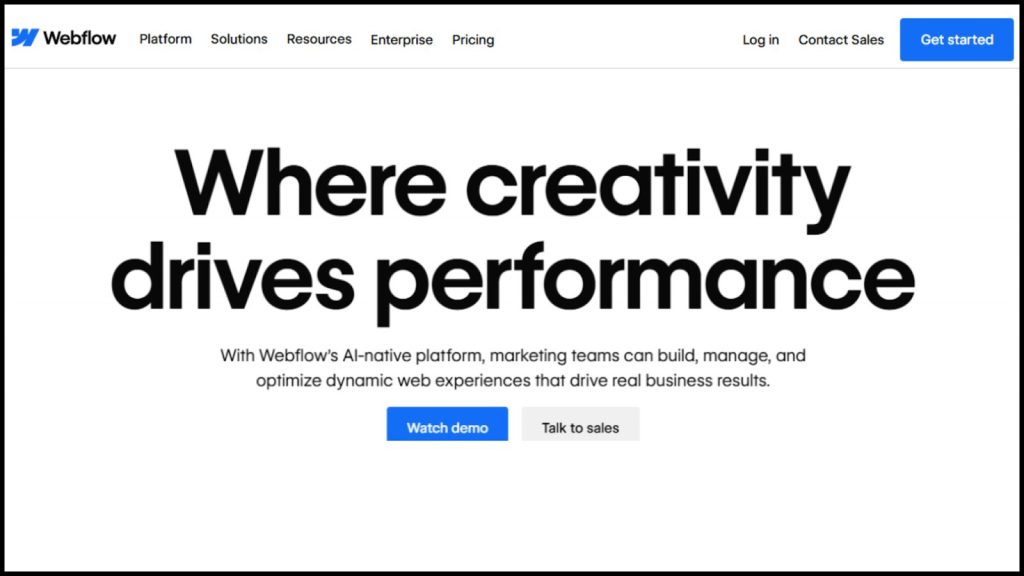
Image courtesy – Webflow
Pros:
- Full design flexibility
- Built-in CMS
- Hosting and SEO-friendly
Cons:
- Not beginner-friendly
- Higher learning curve
7. Systeme.io
Systeme.io is a rising all-in-one marketing platform that includes landing pages, email marketing, funnels, and more — all for an affordable price
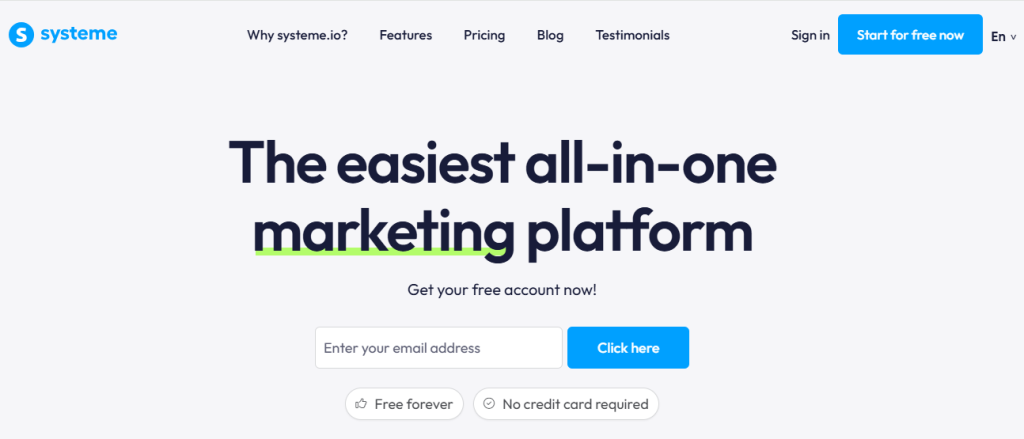
Image courtesy – Systeme.io
Pros:
- Simple interface
- All-in-one toolset
- Very affordable
Cons:
- Limited design flexibility
Smaller template library
8. Swipe Pages
Swipe Pages is known for creating ultra-fast landing pages, especially for mobile devices. It supports AMP pages and is optimized for speed. Swipe Pages can be relatively expensive for small businesses or solo entrepreneurs, especially when scaling to higher-tier plans with more features. It lacks comprehensive funnel-building features.
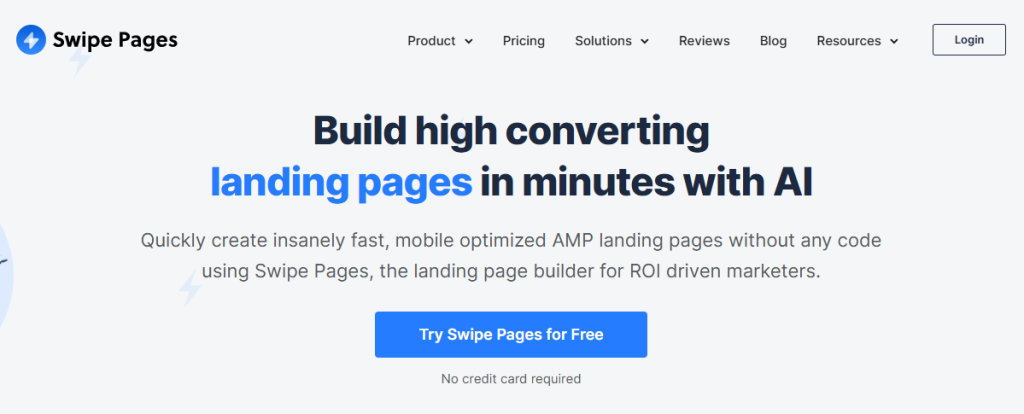
Image courtesy – Swip Pages
Pros:
- AMP support
- Fast loading times
- Clean, responsive templates
Cons:
- Limited integrations compared to Unbounce
9. Builderall
Builderall offers a wide array of digital marketing tools under one roof, including landing pages, email marketing, automation, and even chatbot builders.
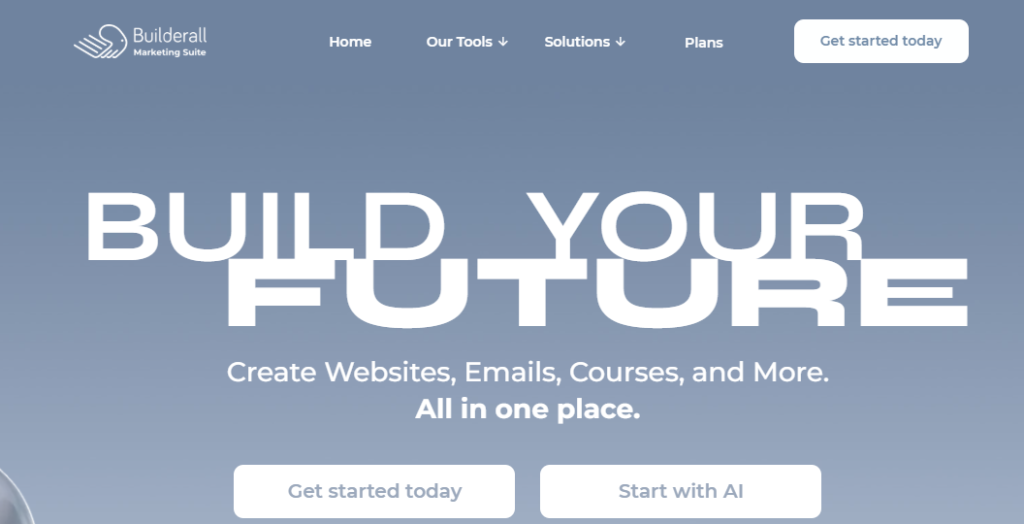
Image courtesy – Builderall
Pros:
- All-in-one toolkit
- Competitive pricing
- Marketing automation included
Cons:
- Interface can feel cluttered
- Not as refined as specialized tools
10. ConvertFlow
ConvertFlow is built for marketers focused on personalization and lead generation. It lets you create dynamic landing pages, forms, popups, and more — all tailored to user behavior.
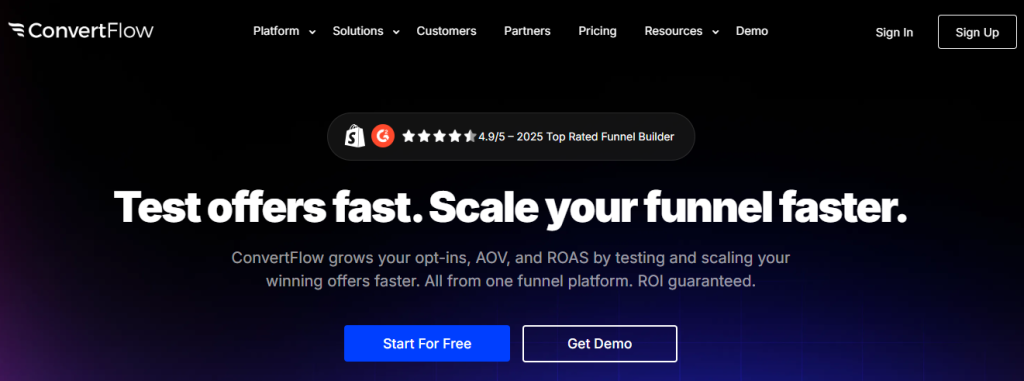
Image courtesy – ConvertFlow
Pros:
- Behavior-based personalization
- Easy integration with CRMs
- Good for targeted lead capture
Cons:
- More complex setup
- Fewer templates than competitors
Final Thoughts
Ready to take the next step? Don’t just read about it — experience it for yourself. Sign up today with Kiyfi and unlock access to powerful features, personalized tools, and everything you need to get started.
Get the ultimate user experience today with Kiyfi.