
Getting conversions becomes easier with the use of Sticky Bars & Popups. It’s possible that you have seen popup messages or sticky bars that always display discounts or ask to subscribe, log in, or sign up on the website that you are browsing.
To gain conversions easily on your website, Kiyfi is here!!
These tools (Sticky Bars & Popups) are very useful ways to grab the attention of visitors, which is important to grow your website.
Generally, creating sticky bars and popups needs coding skills.
But Kiyfi is the platform that provides drag-and-drop functionality that makes it easier for anyone to create sticky bars and popups without coding knowledge.
What Are Sticky Bars and Popups ?
Let’s make it easy:
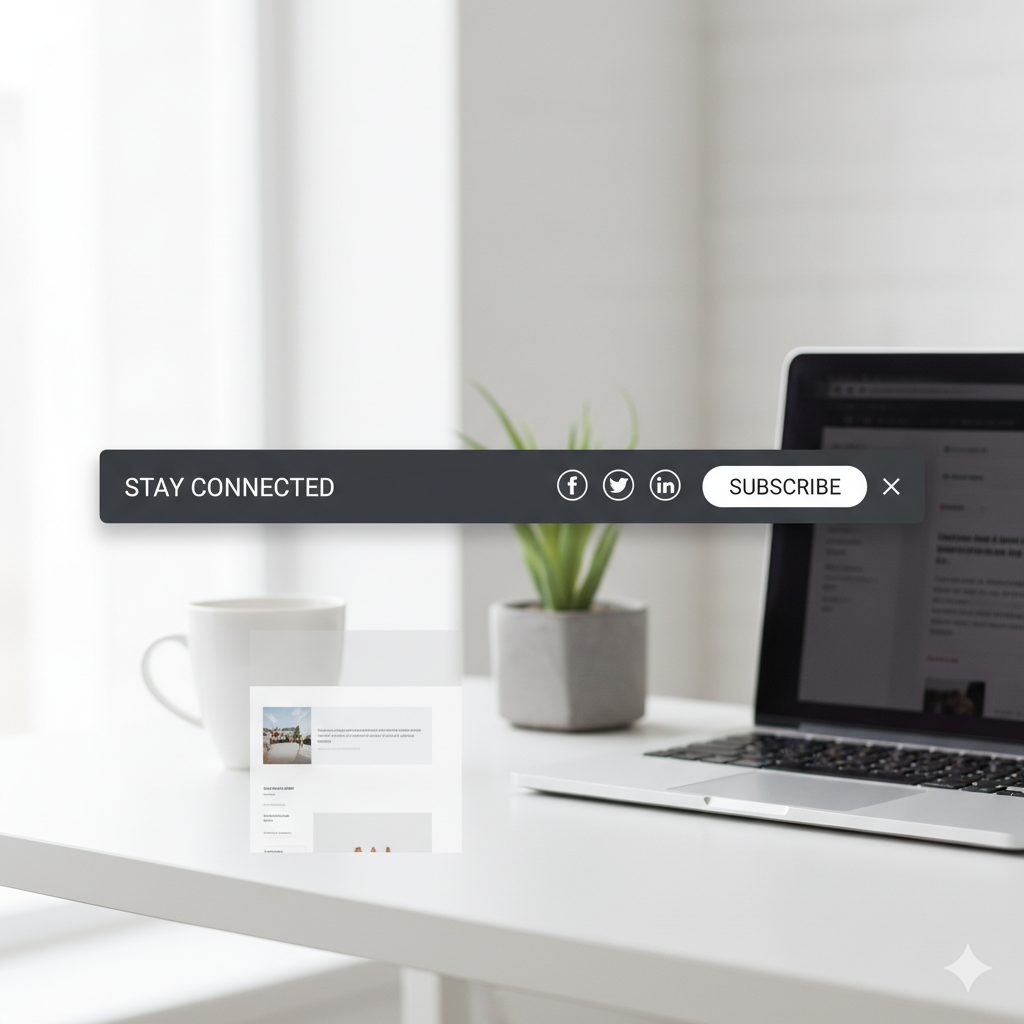
Sticky Bars are the banners that are fixed to the top or bottom of your website as the visitor scrolls.
They are great for things like:
- Announcements.
- Discounts.
- Free shipping.
- Important links.
Example: A bar at the top of your page indicates to you some info. like “Sign up to unlock more features” or “Flash Sale : 20% Off All Products!”.
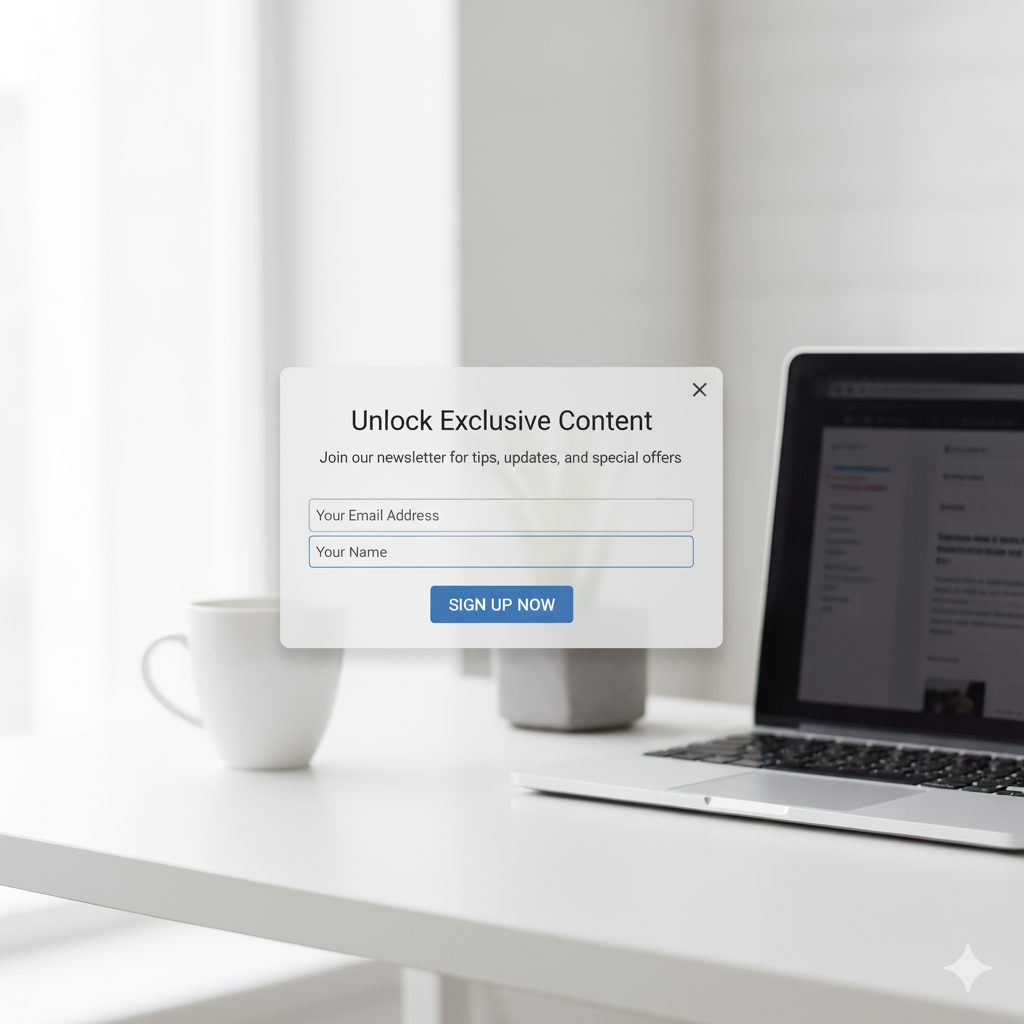
Popups are small windows that show up over your website content.
It usually shows:
- Email signups.
- Special offers.
- Exit messages (before someone leaves your site).
Example: A box that appears after 10 seconds asking users to subscribe for a 1-month of a free trial of the website’s premium version
Both are used to:
- Collect emails
- Promote offers
- Share updates
- Stop users from leaving your site
These tools help you drive more traffic, attract new clients, and gather email leads, highlight promotions — all without making any changes in your website .
Why You Should Use Them ?
Here’s why Sticky Bars and Popups are so popular :
- Get more sign-ups or sales — show offers when people are ready to buy.
- Show important messages clearly
- Keep people on your site longer
- Share limited-time deals or updates
- It can be mobile responsive
Basically, they help you turn visitors into customers — faster than usual.
The Old Way – Hard to Do
Previously, if someone wanted to add a popup or sticky bar to their site, they had to:
- Write code to create it
- Hire a developer for implement it on the website
- Test it on different devices to analyse it’s working properly or not
It was time consuming and costly.
Kiyfi – the platform of no-code tools
Kiyfi is the platform where you can design sticky bars and popups on your own creativity.
No code? No problem. Kiyfi’s drag-and-drop feature lets you create with ease—no programming skills needed.
Kiyfi has its own in-built templates and editing tools that you can modify according to your desire.
Kiyfi also provides features that you can easily publish your creation and also you can use analytics tools to track your progress.
Why use Kiyfi ?
Here’s some features that provides on this platform:
- Drag and Drop Builder : You just have to drag and drop as per your required design.
- Import Design : yes! You can also import your own design if you’ve created it before.
- Pre-built templates : Choose from dozens of professionally designed templates for every purpose and industry.
- Targeting Options : Message appears to the right audience with advanced targeting and trigger options.
- Analytics & A/B Testing : Track performance and run A/B tests to optimize your campaigns for maximum conversions.
- Mobile Responsive : All your sticky bars and popups will be responsive to any device, from desktop to mobile.
How Kiyfi Works ?
Create your first Sticky Bar or Popup message in just 3 steps:
- Choose your method:
Start from scratch with drag-and-drop, you can import your own customized design or select a pre-installed template from the library. - Customize your design:
You can use an in-built visual editor to customize colors, text, images, and behavior to match your brand. - Publish and analyze:
You can easily publish with one click and also you can do analytics to track performance and optimize your campaigns.
Tips to Make Them Work :
After following these tips, you will get the best results :
- Don’t be annoying: Don’t show popups right away. Give people some time to spend on your web page.
- One message at a time: Don’t show multiple popups or bars together.
- Mobile-friendly: Make sure it works well on the phone’s screen too.
- Keep it short: Say what you want in short and in 1-2 sentences.
- Test different ideas: Try different colors, texts, or timing.
Do They Actually Work ?
Absolutely! Businesses have seen great results:
- More people signing up for emails after seeing sticky bars
- Higher sales from discounts through popups
- Fewer people leave without clicking on the popup
Even a small popup or sticky bar can make a big difference.
Ready to boost your website?
Try Kiyfi today and create your on own sticky bars or popups in minutes
– no coding, only clicks and get results.